
Linux Fundamentals #02 — Understanding sudo and the Root User
Introduction
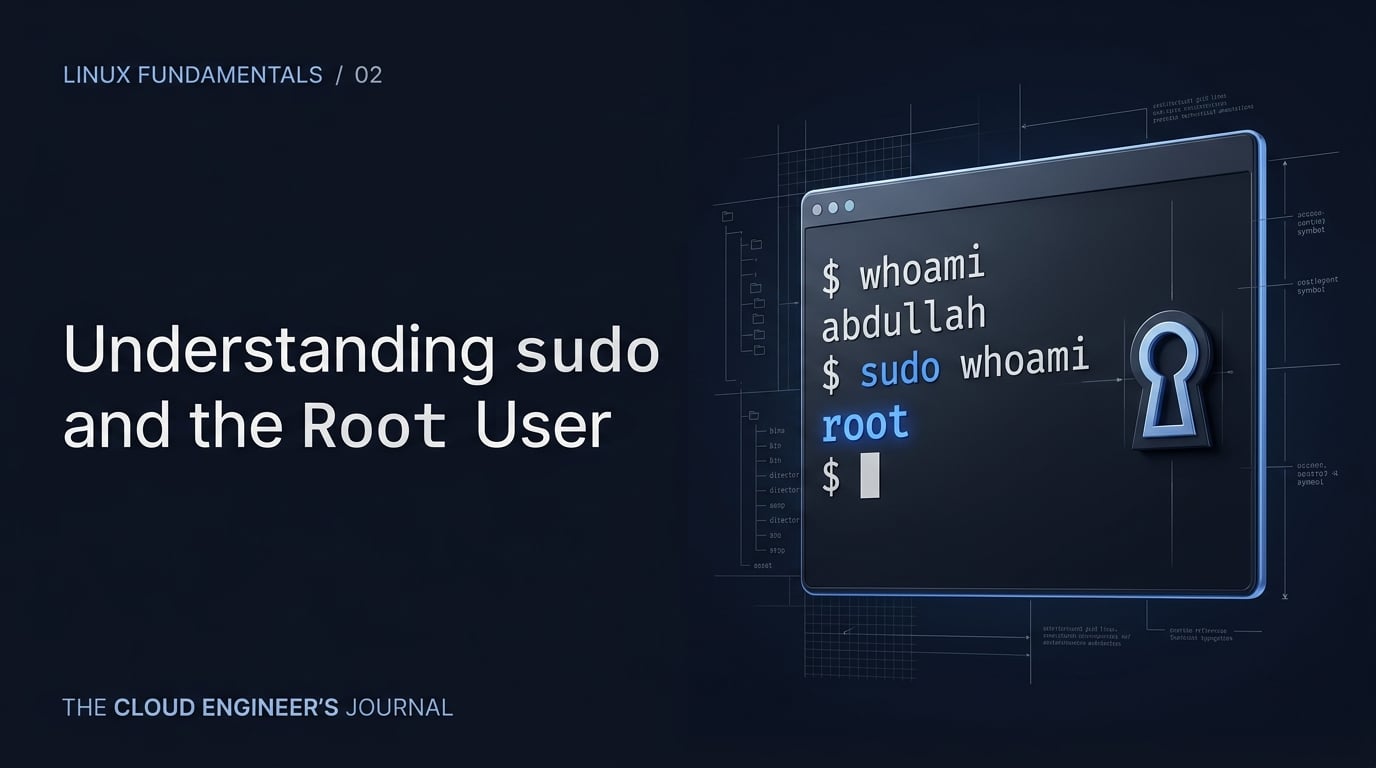
Linux separates ordinary user activity from administrative operations. This is an important security boundary: everyday commands can run as a normal user, while selected administrative tasks can be executed with elevated privileges. In this article, I will explain sudo, the root user, whoami, common $ and # prompt conventions, and the difference between elevating one command and opening a root shell.
What Is the Root User?
The root account is the superuser account on a traditional Linux system. It has very broad privileges and can modify system files, install software, change permissions, and perform administrative operations.
Understanding $ and #
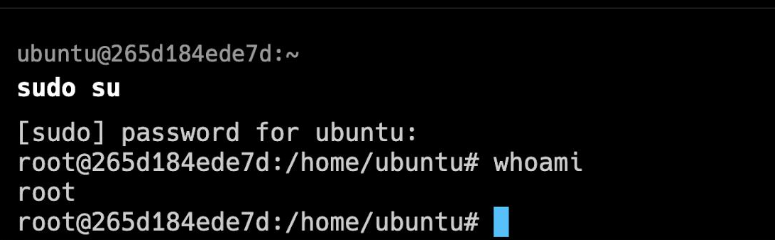
Many shell configurations use $ to represent a normal user prompt and # to represent a root prompt. These are prompt conventions, not universal security indicators; your shell configuration can be customized.
What Is sudo?
sudo allows a permitted user to execute a command as another user, commonly root, according to the system's security policy. This makes it possible to perform an administrative operation without logging into a permanent root session.
Check Your Current User
` whoami `
Run a Single Command with sudo
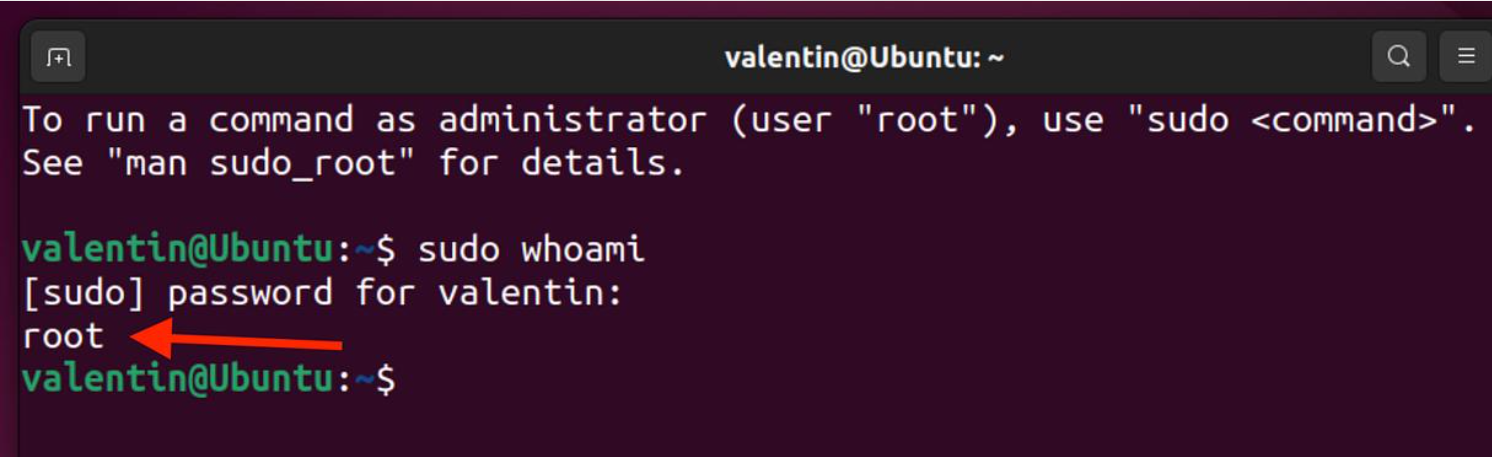
sudo whoami
Open a Root Shell with sudo bash
sudo bash Page 4 Linux Fundamentals — Hashnode-Ready Article Pack whoami exit
sudo vs sudo bash
With sudo command, you elevate one command. With sudo bash, you start a shell whose commands run with elevated privileges until you exit it. For beginners, the first pattern is often easier to reason about because the elevated scope is explicit.
Why You Should Be Careful with Root Privileges
A root shell can change or delete important system files. A typo in a destructive command can have much larger consequences when executed as root. Verify paths and commands before pressing Enter.
Practical Exercise
Run whoami, then sudo whoami. If your account is configured for sudo, compare the two results. If you open sudo bash, immediately run whoami and then exit when finished.
Key Takeaways
• Root is the superuser account. • sudo can run a permitted command with elevated privileges. • $ and # are common prompt conventions. • whoami reports the effective username for the command context. • Avoid staying in a root shell longer than necessary.
References
• sudo(8) Linux manual page — https://man7.org/linux/man-pages/man8/sudo.8.html
•whoami(1) Linux manual page — https://man7.org/linux/man-pages/man1/whoami.1.html